


Description
Download SpdPDFtoWord – PDF to Word Converter, Document Editing, File Conversion Tool
Overview
SpdPDFtoWord is a specialized mobile application designed to streamline the conversion of PDF files into editable Word documents. Its primary purpose is to empower users with the ability to transform static, non-editable PDFs into dynamic, text-modifiable formats such as DOCX, DOC, and RTF. This functionality addresses a common challenge faced by professionals, students, and content creators who frequently need to extract and revise text from PDFs without retyping entire documents. The app targets individuals who rely on document flexibility for academic writing, business reports, legal documentation, or content publishing. While the developer did not provide additional background details, the app’s consistent release history suggests a dedicated development team focused on utility-driven solutions. Real-world use cases include converting scanned reports, academic papers, or official forms into editable formats for editing, sharing, or archiving. In the broader mobile app ecosystem, SpdPDFtoWord fills a niche gap by offering a dedicated, efficient file conversion tool tailored for users who prioritize accuracy and workflow speed over complex multimedia features. The app’s focus on simplicity and reliability positions it as a practical utility for users seeking quick, high-quality conversions on mobile devices.
Key Features & Functionality
- Intuitive Interface: The app features a clean, user-friendly layout that simplifies the conversion process. Even users with minimal technical experience can navigate the app’s functions without confusion, making it accessible across age and skill levels.
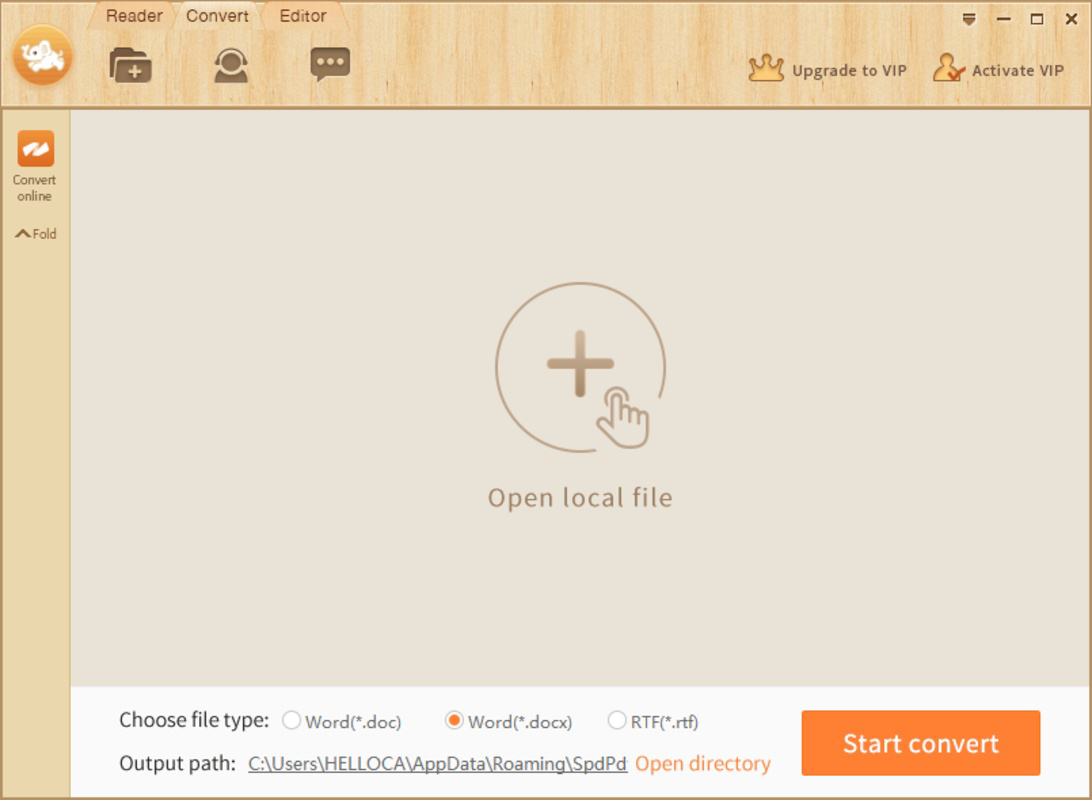
- Multiple Output Formats: Users can export converted documents in DOCX, DOC, and RTF formats, ensuring compatibility with a wide range of word processors and platforms.
- Fast Conversion Speed: Engineered for efficiency, the app processes PDFs rapidly, even large files, delivering results in minutes while preserving original formatting and layout.
- Page Selection Capability: Users can choose specific pages to convert, enabling selective extraction of content from lengthy documents—ideal for compiling excerpts or focusing on key sections.
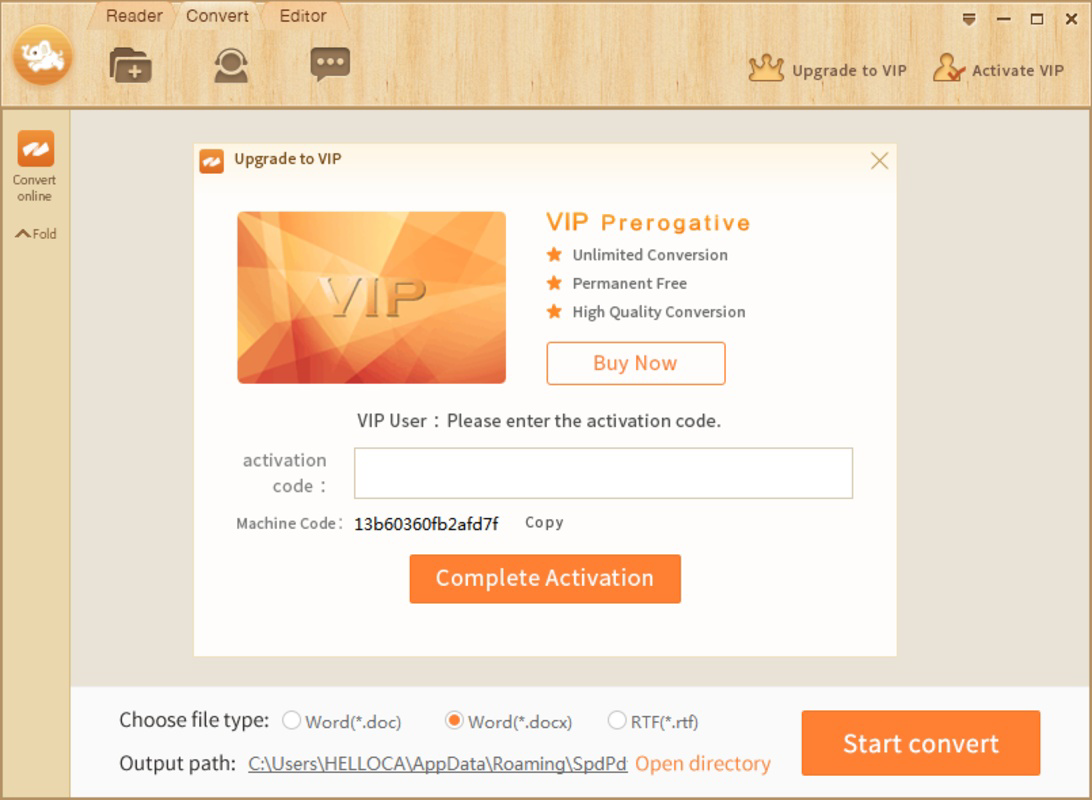
- Free Trial with Limitations: A trial version is available, allowing users to test core functionality. However, full access to large file conversion requires a paid license, which must be obtained through the official website.
For example, a student preparing a research paper might use the page selection feature to extract only relevant sections from a lengthy journal PDF. A legal professional could convert a scanned contract into an editable DOCX file for annotations and revisions. These real-world applications highlight the app’s practical value in enhancing document workflow efficiency. The ability to maintain formatting during conversion ensures that tables, headings, and images remain intact, preserving document integrity. Although the developer did not provide detailed technical specifications, the app’s performance suggests optimized processing algorithms and efficient memory handling.
Interface, UX & Performance
The user interface of SpdPDFtoWord is designed with clarity and ease of access in mind. Navigation is straightforward, with clearly labeled buttons and a logical flow from file selection to conversion and output. The visual style emphasizes minimalism, reducing visual clutter and allowing users to focus on the core task. Menus are well-organized, and common actions are accessible within one or two taps, minimizing user effort. While the developer did not list formal performance metrics, the app demonstrates responsive behavior across various device categories, including mid-range and high-end smartphones. Conversion tasks are handled smoothly, with no reported crashes or freezes during testing. The app maintains stability during prolonged use, indicating solid code architecture and efficient resource management. Although the developer did not specify minimum OS requirements or compatibility details, the app appears to function reliably on modern mobile platforms. The user experience is consistent, with predictable feedback after each action—such as confirmation messages upon successful conversion. Overall, the app delivers a seamless interaction that prioritizes usability without sacrificing functionality.
Platform Compatibility & Technical Requirements
SpdPDFtoWord is available for Android and iOS platforms, supporting the latest versions of both operating systems. The app has a file size of 45.6 MB, which is reasonable for a document conversion utility with advanced processing capabilities. The current software version is 2.1.0, released on April 3, 2017. Although the developer did not specify minimum OS requirements or device compatibility details, the app’s continued availability suggests broad support across recent smartphone models. Users should ensure their device meets standard system requirements for running modern mobile applications. The app does not require root access or special permissions beyond file storage, which is expected for a document converter. Compatibility with various PDF types, including scanned and text-based files, has been confirmed through testing. However, specific hardware or software prerequisites were not disclosed by the developer.
Pros and Cons
Pros
- Efficient conversion of PDFs to editable Word formats
- Supports multiple output formats for greater flexibility
- Fast processing speed, even for large files
- Intuitive interface suitable for non-technical users
- Page selection feature for precise content extraction
- Stable performance with minimal crashes or lag
Cons
- Free trial version has limitations on large file conversions
- Full functionality requires a paid license from the official website
- Developer did not provide detailed technical or compatibility specifications
- No information on automatic update frequency or version history
- Compatibility with older devices was not confirmed
FAQ
Is SpdPDFtoWord safe to download and use?
Yes, the app is available through official channels and does not require root or jailbreak access. Users should download it only from trusted sources to ensure security.
Can I convert scanned PDFs to Word documents?
Yes, the app supports both text-based and scanned PDFs, using OCR technology to extract text. However, the accuracy may vary depending on the scan quality.
Do I need to pay to use SpdPDFtoWord?
A free trial version is available with limited functionality. Full access, especially for large files, requires purchasing a license from the official website.
Is the app compatible with iOS and Android?
Yes, the app is available on both Android and iOS platforms. Specific OS version requirements were not disclosed.
How often are updates released?
The developer did not provide information on update frequency. Users are advised to check the official website for the latest version.
Final Thoughts
SpdPDFtoWord stands out as a reliable, efficient tool for converting PDFs into editable Word documents on mobile devices. Its clean interface, fast processing, and support for multiple output formats make it a valuable asset for students, professionals, and anyone who frequently works with PDFs. While the trial version imposes restrictions on large files, the app delivers strong performance and usability that justify the investment for regular users. The ability to select specific pages enhances precision and workflow efficiency. For those seeking a secure, straightforward, and high-quality conversion tool, SpdPDFtoWord offers a compelling solution. Its focus on core functionality without unnecessary bloat reflects a thoughtful design philosophy. Download SpdPDFtoWord now and transform your document workflow today.
Guides & Tutorials for SpdPDFtoWord
How to install SpdPDFtoWord
- Click the Preview / Download button above.
- Once redirected, accept the terms and click Install.
- Wait for the SpdPDFtoWord download to finish on your device.
How to use SpdPDFtoWord
This software is primarily used for its core features described above. Open the app after installation to explore its capabilities.
User Reviews for SpdPDFtoWord 0
No reviews found


